
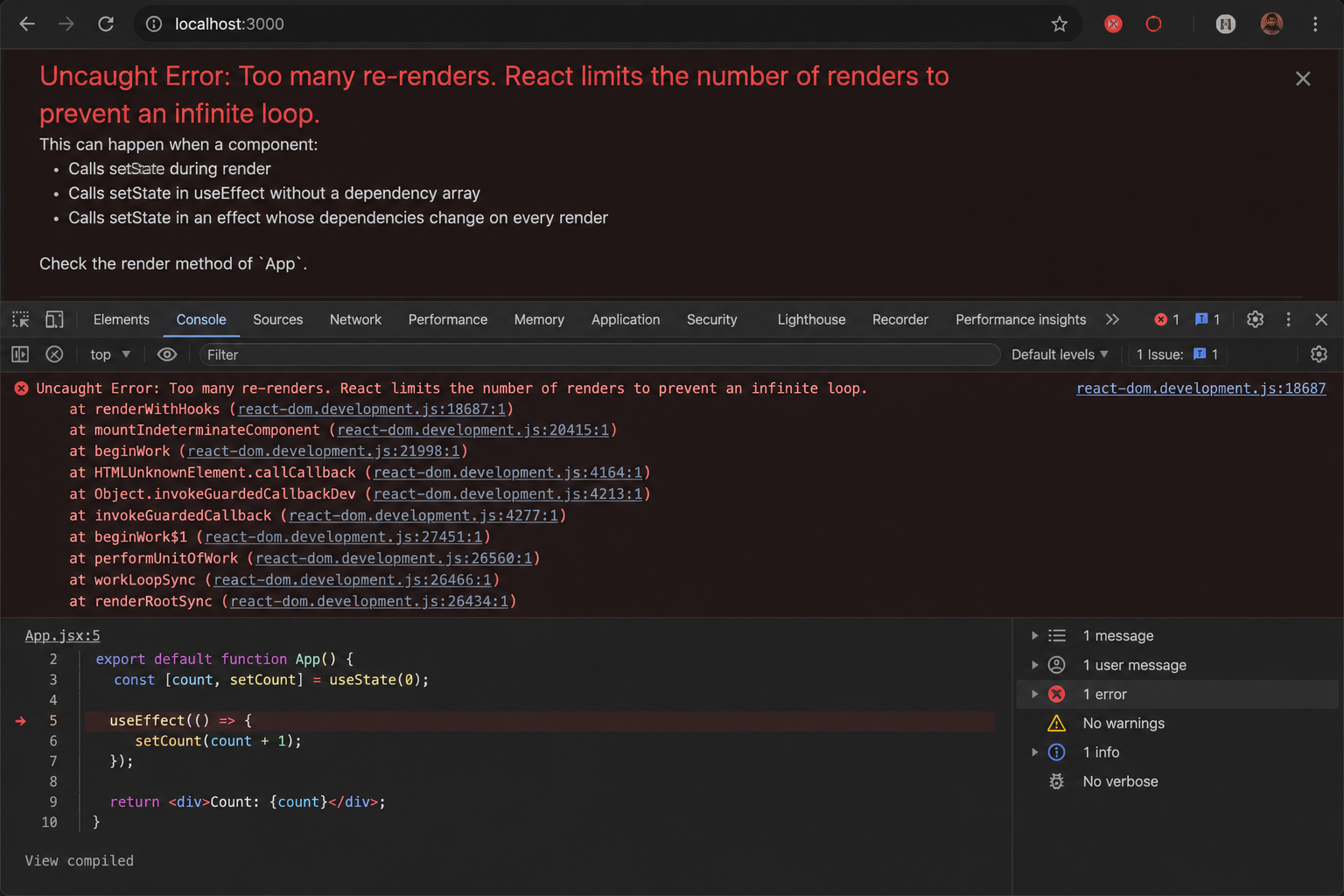
Why Your useEffect Is Firing 1000 Times
You checked your useEffect dependencies. They look right. And yet the component is re-rendering until the browser crashes. Ebesoh Adrian explains the hidden culprit — object reference instability — and the one hook that fixes it permanently.
It Looked Correct. It Was Not.
There is a particular kind of React bug that is uniquely frustrating because the code appears correct. You look at your useEffect, you look at its dependency array, everything seems reasonable, and yet your browser tab is consuming 100% CPU and heading toward a crash.
I have hit this bug more times than I would like to admit. The first time, I spent two hours removing and re-adding dependencies, wrapping things in callbacks, and generally making the code worse. Then someone pointed out the actual problem, and it was so obvious in hindsight that it was almost embarrassing.
The issue has nothing to do with which dependencies you list. It has everything to do with what React considers the same value between renders.
What Is Reference Equality and Why Does React Care?
React's useEffect hook re-runs whenever a value in its dependency array changes. The word "changes" sounds simple, but React does not do a deep comparison of objects. It uses reference equality — the same comparison as JavaScript's === operator.
For primitive values — strings, numbers, booleans — this works exactly as you expect. "admin" === "admin" is true. The dependency has not changed, so the effect does not re-run.
For objects and arrays, it is a different story. Consider:
const a = { id: 1 };
const b = { id: 1 };

console.log(a === b); // false
Even though a and b have identical content, they are different objects in memory. They have different references. To JavaScript — and to React — they are not equal.
This is the trap.
The Anti-Pattern That Causes the Infinite Loop
Here is the minimal reproduction of the bug:
function UserProfile({ userId }: { userId: string }) {
  // ⛔ A new object is created on EVERY render
  const options = { id: userId, timestamp: Date.now() };

  useEffect(() => {
    fetchUserData(options);
  }, [options]); // ⛔ options is a new reference every render — INFINITE LOOP

  return <div>...</div>;
}
Follow the logic:
Component renders →
optionsis created as a new object in memoryuseEffectcompares the newoptionsto the previousoptionsusing===They are different objects (different references), so the effect re-runs
fetchUserDatais called, triggering a state updateThe state update causes a re-render
Go back to step 1 — forever
The browser console fills with network requests, the component thrashes, and eventually everything crashes.
The Fix: Stabilising the Reference With useMemo
The solution is to ensure that options keeps the same reference across renders, as long as its underlying data has not actually changed. This is exactly what useMemo is designed for.
function UserProfile({ userId }: { userId: string }) {
  // ✅ useMemo returns the SAME object reference if userId hasn't changed
  const options = useMemo(() => ({
    id: userId,
    timestamp: Date.now(),
  }), [userId]); // Only recalculate when userId changes

  useEffect(() => {
    fetchUserData(options);
  }, [options]); // ✅ options reference is stable — no loop

  return <div>...</div>;
}
Now the sequence is:
Component renders →
useMemoreturns the cachedoptionsobject (same reference as last render, ifuserIdhas not changed)useEffectcompares the newoptionsto the previousoptions— they are the same referenceEffect does not re-run
No unnecessary fetch, no state update, no re-render
When userId does change, useMemo recalculates the object, a new reference is produced, useEffect detects the change and re-runs. This is the correct behaviour.
A Broader Look: All the Ways Reference Instability Manifests
The objects-in-dependency-arrays pattern is the most common, but reference instability appears in several forms.
Functions defined inline
// ⛔ fetchData is a new function on every render
function DataLoader({ endpoint }: { endpoint: string }) {
  const fetchData = async () => {
    const res = await fetch(endpoint);
    return res.json();
  };

  useEffect(() => {
    fetchData();
  }, [fetchData]); // ⛔ New reference every render — infinite loop
}

// ✅ useCallback stabilises the function reference
function DataLoader({ endpoint }: { endpoint: string }) {
  const fetchData = useCallback(async () => {
    const res = await fetch(endpoint);
    return res.json();
  }, [endpoint]); // Only recreated when endpoint changes

  useEffect(() => {
    fetchData();
  }, [fetchData]); // ✅ Stable reference
}
Arrays as dependencies
// ⛔ selectedIds is a new array every render even if contents are the same
function BulkActions({ selectedIds }: { selectedIds: string[] }) {
  useEffect(() => {
    updateSelection(selectedIds);
  }, [selectedIds]); // ⛔ Array reference changes every parent render
}

// ✅ Stringify for primitive comparison, or use useMemo
function BulkActions({ selectedIds }: { selectedIds: string[] }) {
  const stableIds = useMemo(() => selectedIds, [selectedIds.join(",")]);

  useEffect(() => {
    updateSelection(stableIds);
  }, [stableIds]);
}
Context values that recreate objects
// ⛔ The value object is recreated on every AuthProvider render
function AuthProvider({ children }: { children: React.ReactNode }) {
  const [user, setUser] = useState<User | null>(null);

  return (
    <AuthContext.Provider value={{ user, setUser }}> {/* ⛔ New object every render */}
      {children}
    </AuthContext.Provider>
  );
}

// ✅ Memoize the context value
function AuthProvider({ children }: { children: React.ReactNode }) {
  const [user, setUser] = useState<User | null>(null);

  const value = useMemo(() => ({ user, setUser }), [user]);

  return (
    <AuthContext.Provider value={value}> {/* ✅ Stable reference */}
      {children}
    </AuthContext.Provider>
  );
}
A Decision Guide: useMemo vs useCallback vs Neither
Not everything needs memoisation. Overusing these hooks adds cognitive overhead and can actually harm performance in some cases. Here is a practical guide:
Scenario Hook to Use Why Object or array used in useEffect deps useMemo Stabilises reference Function passed to useEffect deps useCallback Stabilises reference Expensive calculation with primitive result useMemo Avoids recalculation cost Event handler passed to a child useCallback + React.memo on child Prevents child re-render Primitive value (string, number, boolean) Neither Already reference-stable Simple inline object not in any deps array Neither Not needed
The rule of thumb: only reach for useMemo or useCallback when you have a concrete problem to solve — either reference instability causing loops, or a measurably expensive calculation.
Catching This Early: ESLint Helps
The eslint-plugin-react-hooks package includes the exhaustive-deps rule, which catches many of these issues at the linting stage rather than at runtime.
Install it if you have not already:
npm install --save-dev eslint-plugin-react-hooks
Add it to your ESLint config:
{
  "plugins": ["react-hooks"],
  "rules": {
    "react-hooks/rules-of-hooks": "error",
    "react-hooks/exhaustive-deps": "warn"
  }
}
This will not catch every reference stability issue, but it will flag missing dependencies and steer you toward the right questions.
The Mental Model That Prevents This Bug
The fix for this class of bug is not a hook — it is a mental model. Before you add anything to a useEffect dependency array, ask yourself one question:
Does this value have a stable identity across renders?
If it is a primitive: yes, it is stable.
If it is an object, array, or function created inline: no, it is new on every render.
Once that question becomes automatic, you will catch these bugs before you write them, not after the browser has already crashed.
Resources and Further Reading
React Docs — useEffect — The canonical reference for how dependencies work
React Docs — useMemo — When and how to memoize values
React Docs — useCallback — The function equivalent of useMemo
eslint-plugin-react-hooks on npm — The ESLint plugin that catches hooks violations at lint time
A Complete Guide to useEffect — Dan Abramov — The definitive deep-dive on useEffect, still the best resource years later
React — Removing Effect Dependencies — Official guidance on taming dependency arrays
Written by Ebesoh Adrian — Fullstack Architect. Building systems that are not just correct, but coherently designed.
Keep reading
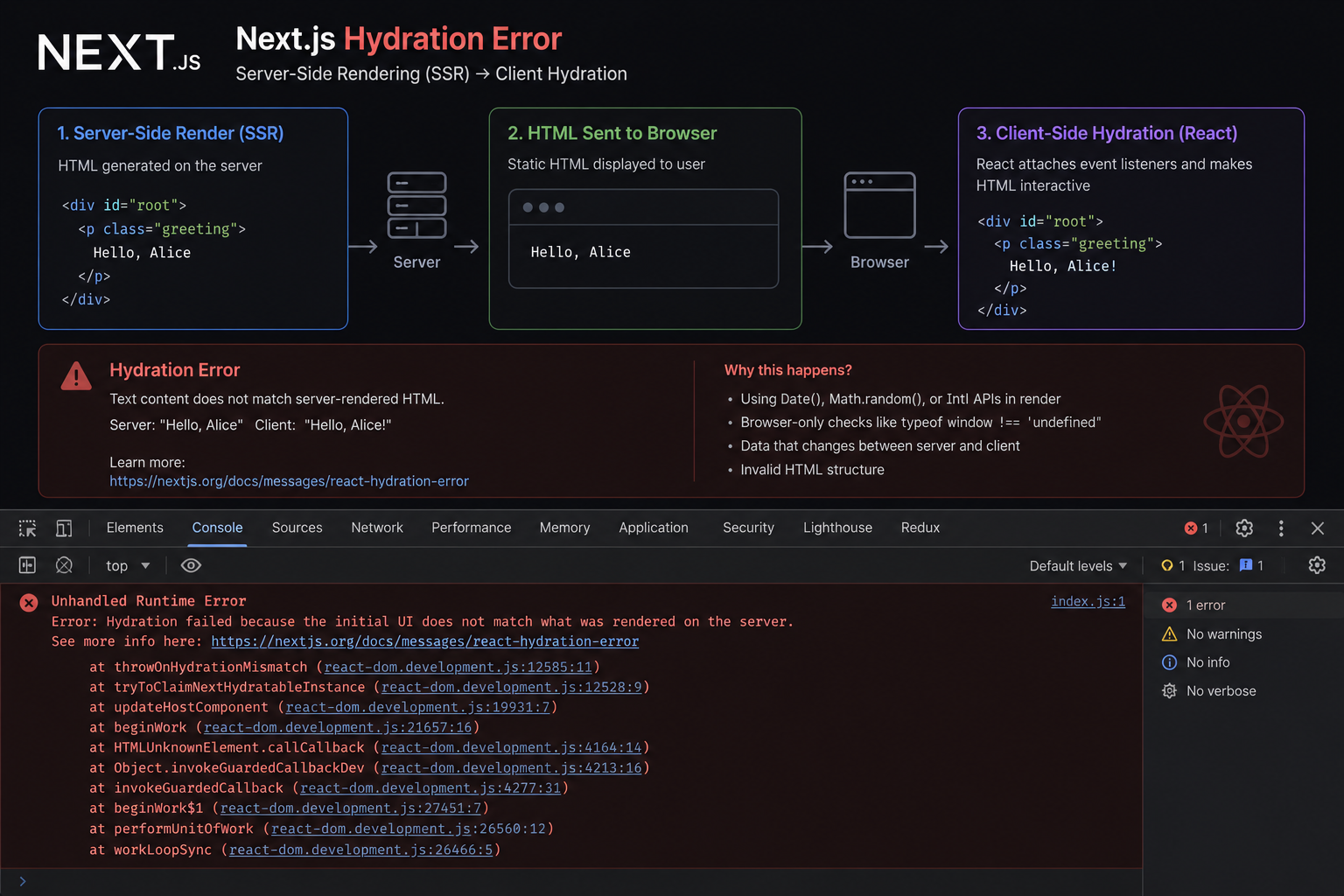 Frontend Engineering
The SSR Error That Costs You the Entire Page
Text content did not match. Server: '8:00 AM' Client: '8:01 AM'." When React's hydration fails, it discards the entire server-rendered HTML and re-renders from scratch — destroying the performance benefit of SSR. Ebesoh Adrian explains why this happens and the architectural fix that prevents it permanently.
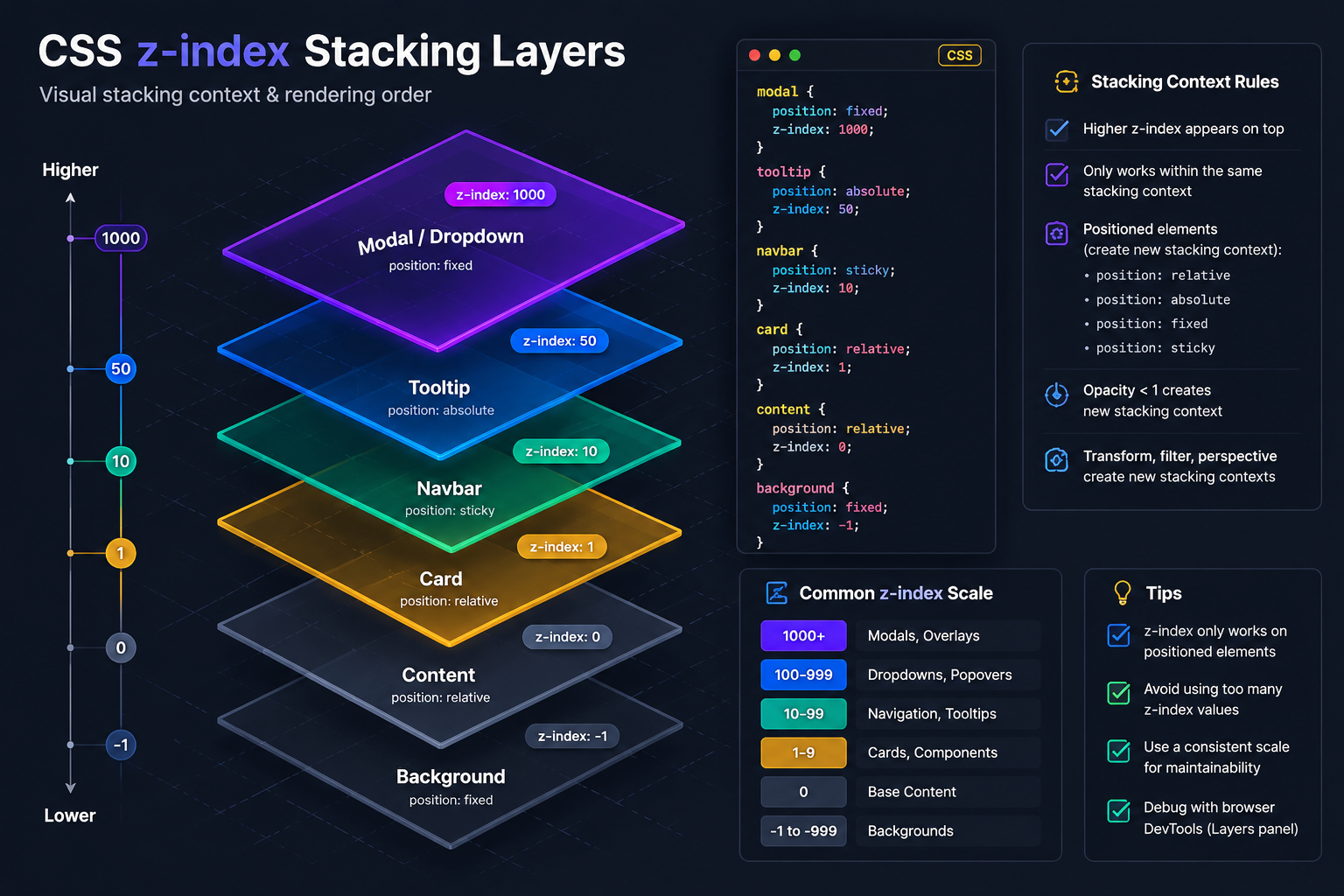 Frontend Engineering
Why Your z-index 9999 Modal Is Behind Everything
You set z-index to 9999 on your modal. Your header has z-index 10. And somehow the modal is still appearing behind the header. Ebesoh Adrian explains the CSS Stacking Context — the invisible rule that makes z-index behave in ways that feel completely irrational until you understand it.
 Guides / Tutorials (o…
How to Create Your Skilldera Account: A Step-by-Step Guide for African Creators, Affiliates, and Learners.
Ready to start selling on Skilldera? Here's a step-by-step walkthrough — from your first search to your live dashboard — covering sign-up, choosing your role, and setting up your creator storefront with Mobile Money payouts. No card, no stress — just MoMo. This guide walks you through creating your Skilldera account in minutes, whether you're joining as a Creator, Affiliate, or Student.